Promotional resources
*If you need any of the following files in a different format just get in touch!*
Planning and inspiration
 Essential documents
 2026 Theme Everyday Histories
Exploring daily working life through the ages
The butcher, the baker, the candlestick maker - what did your ancestors do, and what was their daily life like? In 2026 we’ll be exploring stories of working lives, from learning a craft to establishing routines and cherished rituals. What will you discover in our factories, kitchens, dockyards, gardens and beyond?!
‘Everyday Histories’ is presented by leading family history website, Findmypast. With billions of historical records and detail-packed newspaper archives from every corner of England, Findmypast is the perfect resource to help you research family and local history. Look out for special offers and support to help you create an unforgettable event!
<p>You don’t have to use it, but extra resources and opportunities are available for those that do.
Marketing materials
 Logos
Logos


Digital logos
Main logos
'H' logo
'H' logo with overlay text
 Posters
National poster
Available to download in various colourways, plus a print friendly version to use less ink!
- All national posters - ZIP file (13 MB)
- Dark blue poster - PDF (1.16MB)
- Dark blue poster (print friendly) - PDF (1.28 MB)
- Light blue poster - PDF (1.20 MB)
- Light blue poster (print friendly) - PDF (1.19 MB)
- Pink poster - PDF (1.06 MB)
- Pink poster (print friendly) - PDF (1.26 MB)
- Grey poster - PDF (682 KB)
- Black and white poster - PDF (730 KB)
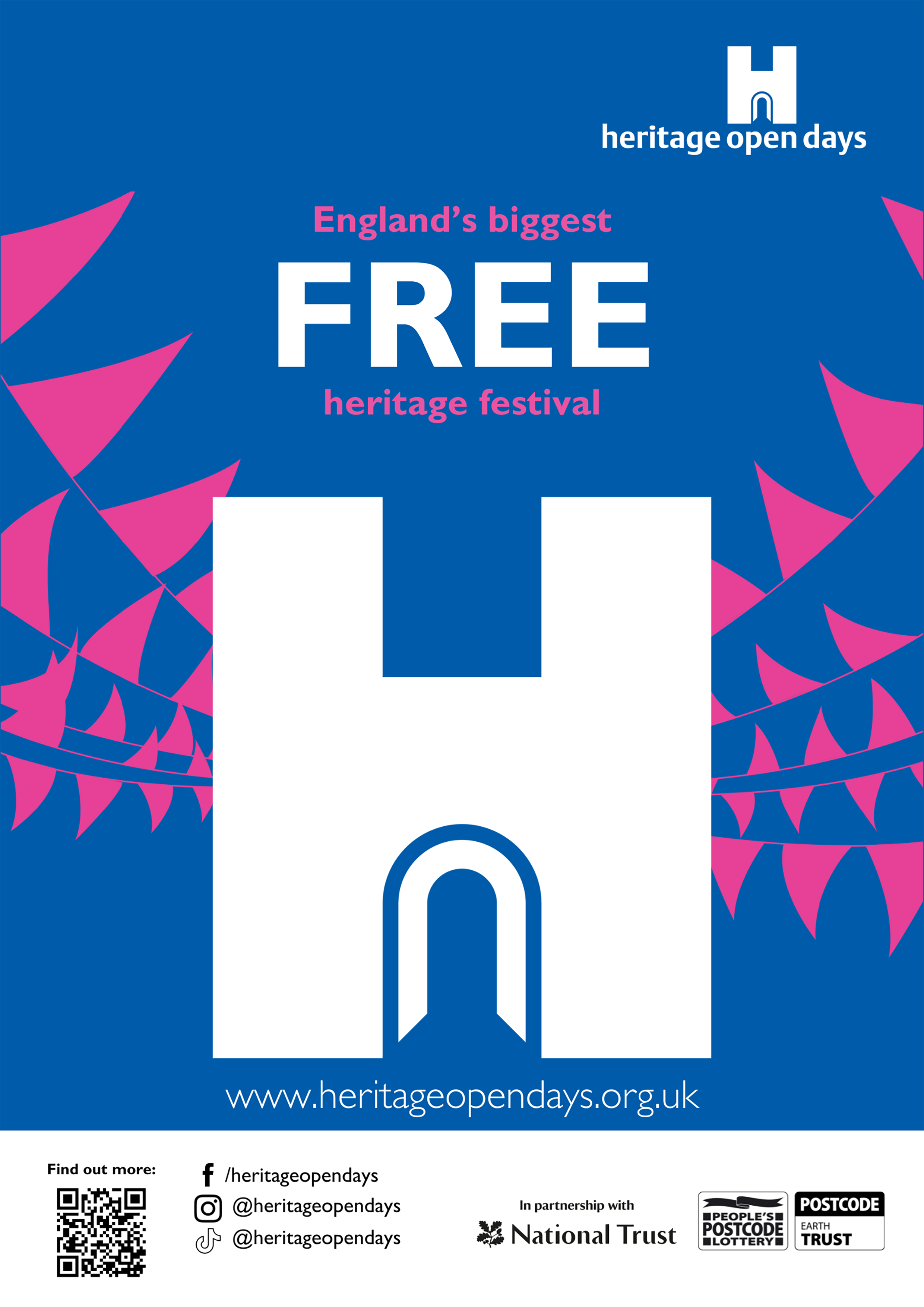
Template poster
Add your own details to our template poster.
- Blue belly band - Word (234 KB)
- Blue belly band - PDF (178 KB)
- Pink belly band - Word (558 KB)
- Pink belly band - PDF (151 KB)
- Grey belly band - Word (225 KB)
- Grey belly band - PDF (173 KB)
Open sign
- Pink Open sign (A4) - PDF (13 KB)
- Blue Open sign (A4) - PDF (16 KB)

 Graphics
Some individual graphic elements for those that are design savvy!
Headers and footers
Poster header
- Pink header - PNG (865KB)
- Blue header - PNG (727 KB)
Poster footer
- Pink footer - PNG (65KB)
- Blue footer - PNG (163KB)


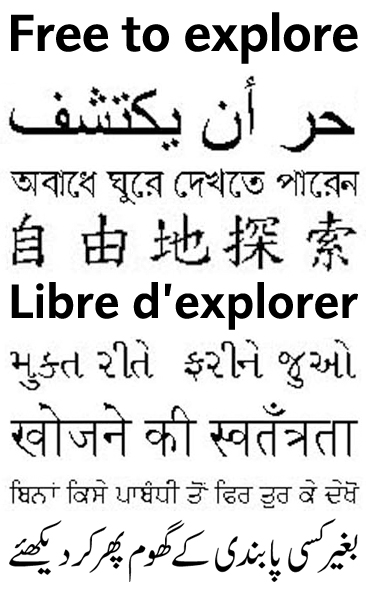
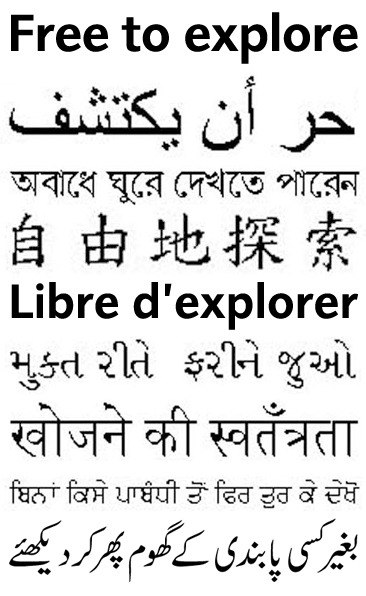
'Free to explore'

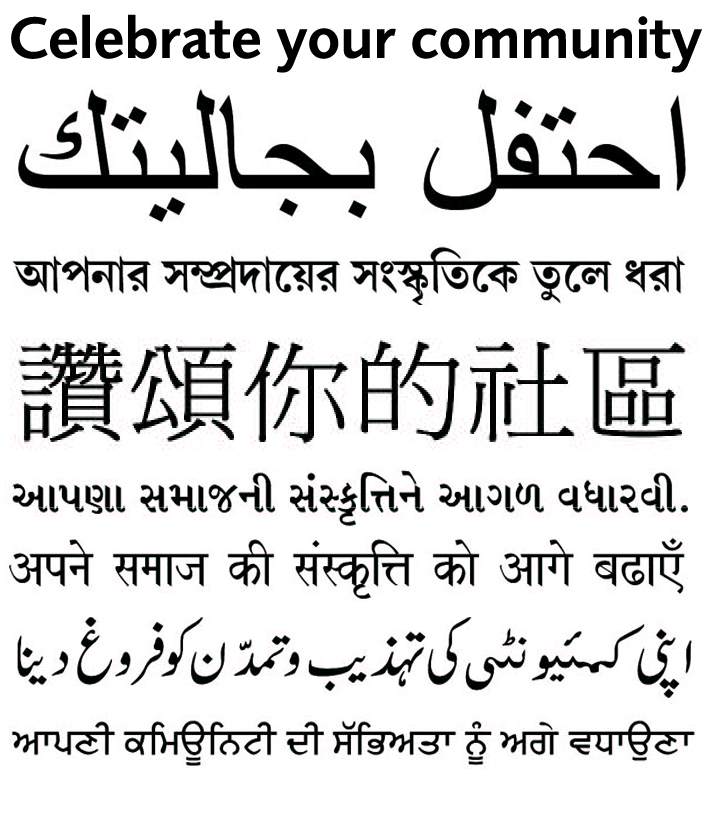
 Multiple language signs
Help welcome more members of your community with these translated phrases.
Languages: Arabic, Bengali, Chinese, French, Gujarati, Hindi, Punjabi, and Urdu.
 Style guide
Branding matters - our logo will help your local event stand out and link it visually with the national scheme. This short style guide introduces the different logo versions, colour scheme and recommended typefaces, explaining how they should be used to ensure maximum effect.
Topics covered
- Logos and formatting
- Colour palette
 Press release template
 Social media
We’ve put together easy-to-use templates on Canva, a free online design platform, where you can update text and add images to promote your event.
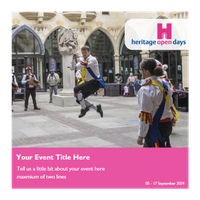
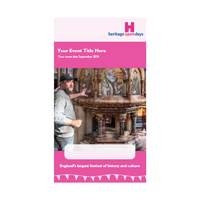
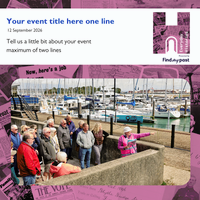
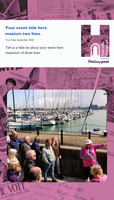
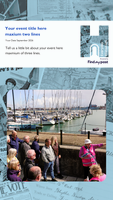
Tips for using our templates
- To use the template, simply follow the links above, create a free Canva account, update the text and drag and drop an image on top of our sample image.
- Each post is the correct dimension for each platform.
- Try not to move text or images around to ensure the posts remain consistent with our brand guidelines, and do not change the fonts from their default font.
- We recommend exporting Instagram stories as MP4 videos, that way you can set the length of the story to ensure users have enough time to read your content. For square Facebook, Twitter, and Instagram posts it is best to export as a PNG.
Troubleshooting?
If you find you are having trouble using Canva – you can watch the Canva 101 video to find out how to get started. If there is a problem with one of the above templates, email [email protected]
 Booklet
We’ve put together easy-to-use templates on Canva, a free online design platform, where you can add text and add images to promote multiple events taking place in your local area.
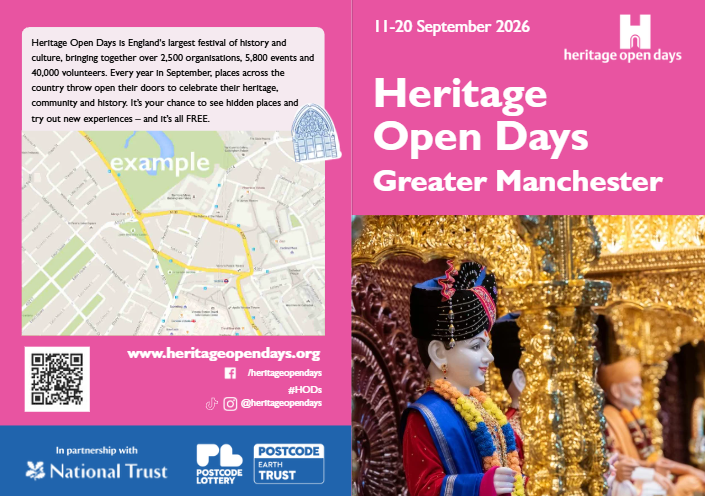
Tips for using our templates
- To use the template, simply follow the links above, create a free Canva account, update the text and drag and drop an image on top of our sample image.
- This resource is not a complete booklet, but a selection of pages which you can edit to suit your local booklet requirements
Troubleshooting?
If you find you are having trouble using Canva – you can watch the Canva 101 video to find out how to get started. If there is a problem with one of the above templates, email [email protected]
Other helpful resources
 Event materials
Children's activities & resources
- Kids Castle children activity sheet - PDF (5.4 MB)
- 'H' logo sticker (individual) template - PDF (760 KB)
- 'H' logo sticker (sheet) template - PDF (4.3 KB)
 Evaluation